
For Content Creators
Create Math Videos with AI for Your Content
Make professional mathematical animations and explainer videos with math video AI. Perfect for YouTube, online courses, TikTok, and any educational content.
From the library
Animations to inspire your next video
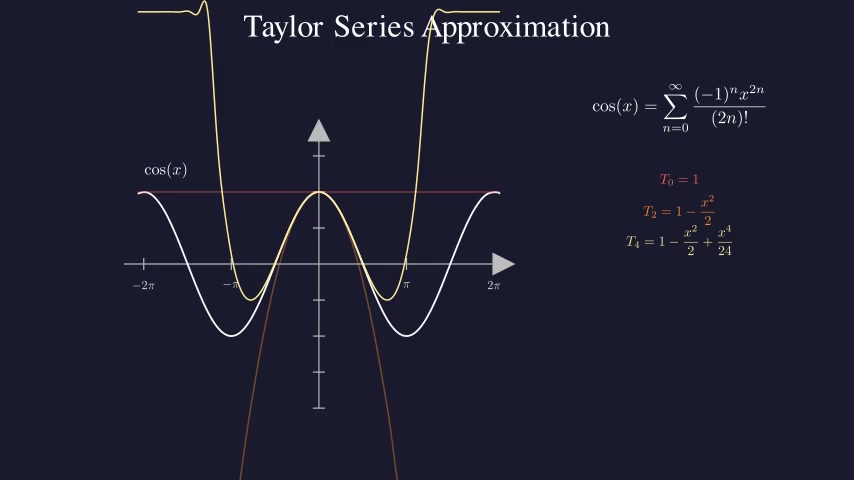
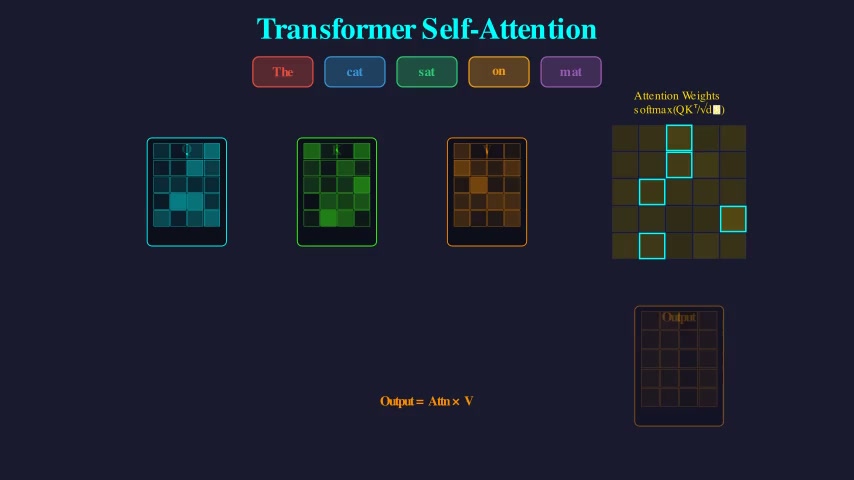
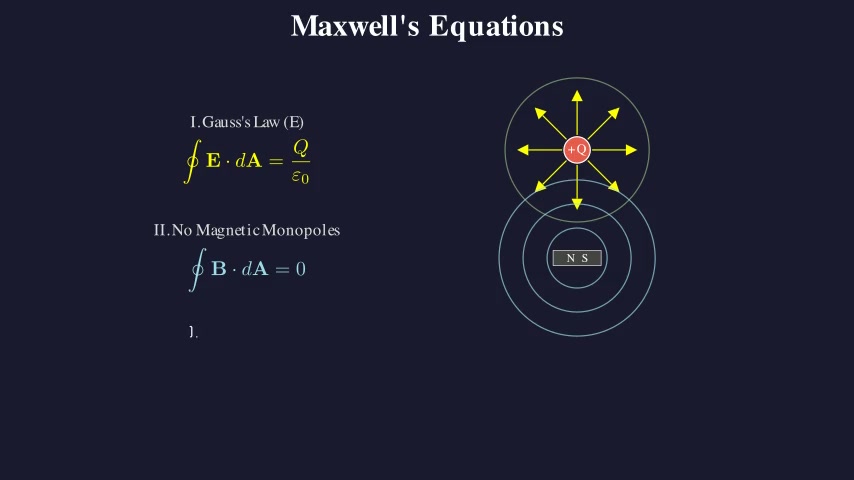
These are real entries from our public animation library. Open any card to watch the full video and read the topic write-up.


Why Creators Choose AnimG
Learning Manim and Python takes months. With AnimG's math video AI, you can create professional animations in minutes for any platform.
No Coding Required
Skip the months of learning Python and Manim. Just describe your animation in plain English and let math video AI generate it.
Boost Your Production Value
Professional animations increase watch time and subscriber growth. Stand out from other creators.
Export Anywhere
Save MP4 files from the video player for YouTube, Udemy, TikTok, or any platform. Works with all video editors.
Perfect for Any Math Content
YouTube Explainers
Break down complex theorems and concepts with step-by-step visual proofs.
Online Courses
Create professional animations for Udemy, Skillshare, Coursera, or your own platform.
TikTok & Reels
Generate quick, engaging math animations for short-form viral content.
Problem Walkthroughs
Show solutions to math problems with animated equations and graphs.
Visual Essays
Illustrate mathematical ideas in documentary-style long-form videos.
Presentations
Add professional animations to conference talks, webinars, and lectures.
Frequently Asked Questions
Can I use AnimG animations in my videos and courses?
Yes! You can save your animations from the video player and use them in YouTube videos, online courses, TikTok, or any platform. You retain full commercial rights to content you create.
How do I create animations like 3Blue1Brown?
AnimG uses the same Manim library that 3Blue1Brown uses. Simply describe the animation you want in plain English, and our AI will generate the Manim code and render it for you - no coding required.
What video format does AnimG export?
AnimG exports videos in MP4 format at high quality, which is compatible with all major video editors including Adobe Premiere, Final Cut Pro, DaVinci Resolve, and CapCut.
Can I edit the generated code?
Yes! You can use our Playground to edit the Manim code directly if you want to fine-tune your animations. This is great for making small adjustments to timing or colors.
Pro for Creators
Unlimited Animations for All Your Content
Create as many animations as you need for YouTube, courses, and social media. One subscription covers everything.
- Unlimited animations per month
- Unlimited playground renders for rapid iteration
- Access to advanced AI models
- Commercial use rights
- Priority rendering queue
$9.99/month
Less than a cup of coffee per video
Join 1,000+ creators making animations for YouTube, courses, and more
Start Creating Today
Try AnimG free with 2 animations. See how easy it is to level up your content.
Create Your First Animation